System Modules
Carto-Art
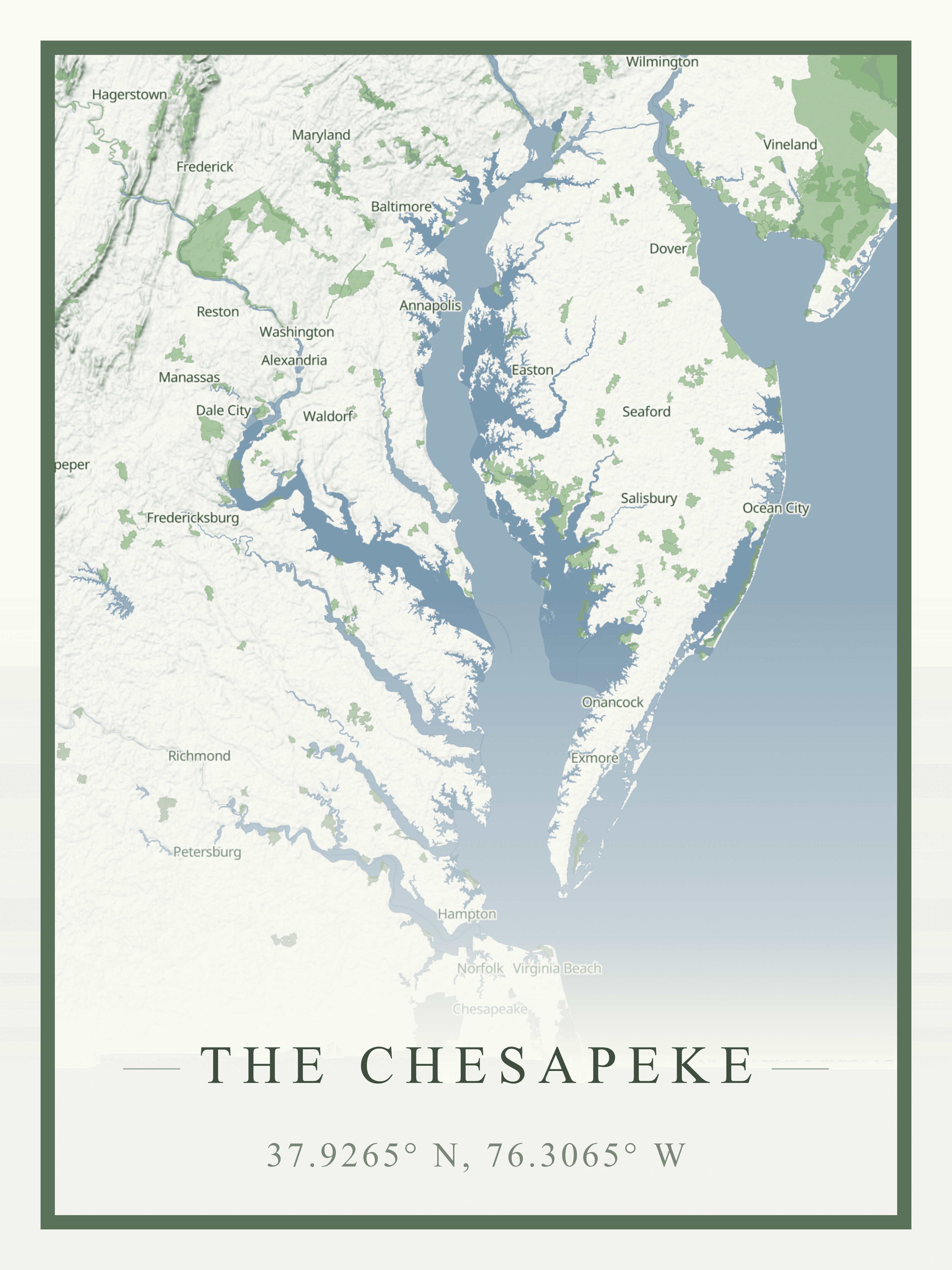
A full-stack cartographic design platform that transforms geographic data into gallery-quality map art, with 3D terrain visualization, subscription-based premium features, and a developer API.
Overview
Carto-Art began as a frontend-only prototype inspired by a street vendor selling simple map prints. Since then, it has evolved into a complete SaaS platform: users can design maps with true 3D terrain, export at print resolutions, animate their creations, and share them with a community of cartography enthusiasts.
Technical Architecture
Carto-Art is built on Next.js 16 (App Router) with TypeScript, combining a responsive React frontend with robust backend services. Map rendering uses MapLibre GL JS for vector base maps, augmented with Deck.gl for true 3D volumetric terrain. The UI leverages Tailwind CSS and shadcn/ui components.
The backend runs on Supabase, providing PostgreSQL with Row Level Security, authentication (Google and GitHub providers), real-time subscriptions, and file storage. Stripe handles subscription billing for Carto Plus, and Resend powers transactional emails.
One of the most significant additions since launch is the Developer API — a RESTful v1 API with a published TypeScript SDK (@kkingsbe/cartoart) that exposes map generation, poster rendering, style discovery, and community data programmatically.
3D Volumetric Terrain
The original hillshading system was upgraded to true 3D terrain visualization using Deck.gl's TerrainLayer.
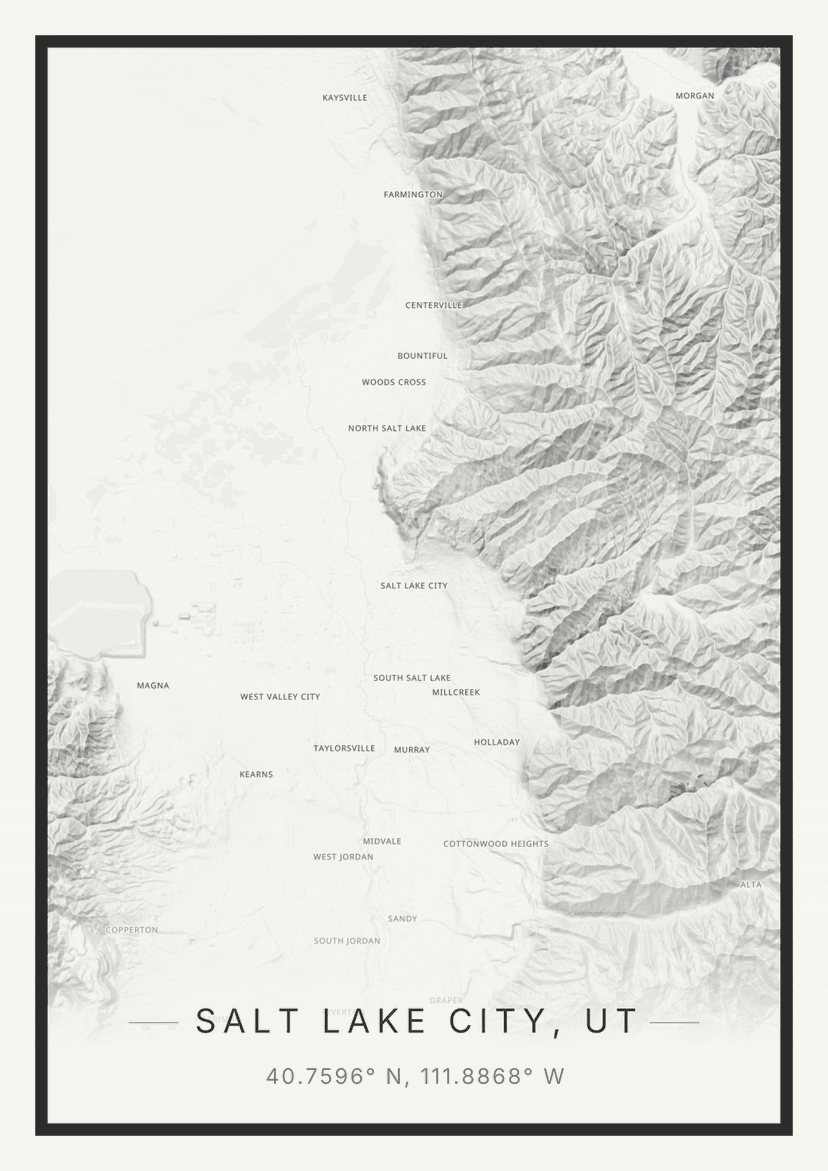
Elevation Data: The system fetches AWS Terrarium tiles, where each pixel's RGB values encode elevation with 0.1-meter precision. Users can adjust vertical exaggeration (0-5x) to emphasize topography, control sun positioning for dynamic lighting effects, and select mesh quality presets ranging from "Fast" to "Ultra."
WebGL Context Sharing: The key to seamless integration is the MapboxOverlay from @deck.gl/mapbox with interleaved: true. This forces Deck.gl to share the same WebGL2 context as MapLibre—same depth buffer, same projection matrix. MapLibre drives the camera, and Deck.gl automatically renders the terrain mesh in the correct coordinate space.
Performance Management: The meshMaxError parameter controls triangle density, with quality presets letting users balance visual detail against framerate. A zoom offset cap prevents tile request explosions at high zoom levels, and the default "Balanced" preset avoids the memory issues that can crash mobile browsers at "Ultra" settings.
High-Resolution Export Engine
Unlike many web map tools limited to screen-resolution screenshots, Carto-Art renders at true print quality—up to 24×36 inches at 300 DPI (7200×10800 pixels). This required solving a fundamental challenge: the export resolution far exceeds what can be displayed on screen, and the 3D terrain system cannot scale to 8K+ resolutions.
Dual Render Paths: The solution is a strict separation between live preview and static export. For high-resolution PNG exports, the system spawns a headless map instance off-screen, sized to the target physical dimensions. 3D terrain is disabled for these exports, using a top-down flat style optimized for large-format output instead.
Animation Export: For animated exports, the system captures the live canvas frame-by-frame. Eight animation modes (orbit, cinematic, spiral, flyover, rise, dive, swoopIn, rocketOut) drive the camera through smooth motion paths using easing functions. The export supports both GIF (via gif.js, up to 50fps) and MP4 video (via WebCodecs + mp4-muxer, H.264, up to 120fps, keyframes every 2 seconds). This gives users both infinite-resolution static exports and cinematic 3D animations.
Celestial Star Chart Overlay
A unique feature of Carto-Art is its celestial star chart inset — a circular night-sky overlay computed from the map's geographic coordinates and a user-chosen date and time.
The system uses the HYG Database v4.1 (~2,500 brightest stars filtered to magnitude ≤ 5.0) and IAU constellation stick figures for all 88 constellations. At render time, the astronomy-engine library computes each star's horizontal coordinates (altitude/azimuth) via stereographic projection, then draws them onto a circular canvas inset in the poster corner. Stars below the horizon are culled. The result is an authentic depiction of the night sky from that exact location and moment — a feature that bridges cartography and astronomy.
GPX Import & Route Visualization
Users with GPS track data can import GPX files directly into the editor. Waypoints become customizable markers, and track points become route lines with real-time distance calculations. This is particularly popular for hikers, cyclists, and travelers who want to commemorate specific journeys on their maps.
3D Model (STL) Export
For the 3D printing and CNC community, Carto-Art generates STL 3D model files from elevation data. The server-side pipeline converts terrain meshes into watertight 3D models at configurable height and resolution, suitable for physical fabrication. This is a Carto Plus feature that transforms digital maps into tangible objects.
Social Features & Community
Carto-Art includes a full social layer for sharing and discovering map designs.
Gallery: A public gallery displays published maps with infinite-scroll feed. Users can browse by popularity or recency, vote on designs they like (up/down), and leave comments.
Remix Flow: The "Edit Copy" button opens a fresh editor pre-loaded with the original map's complete state—color scheme, layer configuration, camera position, everything. Remixed maps maintain attribution back to the original creator.
User Profiles: Each user has a public profile showcasing their creations, follower/following relationships, and three featured maps they can pin.
Notifications: Users receive real-time notifications for follows, comments, likes, and map-related activity.
Challenges & Badges: Periodic design challenges with theme voting, submission periods, and winner selection. Participants earn badges displayed on their profiles, including challenge winner and runner-up badges.
Advanced Annotation Tools
Users can annotate their maps with professional-grade vector overlays.
Custom Markers: Fully customizable icons, colors, and labels placed via the map interface.
Route Drawing: A "Connect Points" toggle creates LineString GeoJSON features linking markers sequentially, with real-time Haversine distance calculations displayed along each segment.
Area Filling: Closing a path creates a polygon with configurable fill opacity and color. All annotations support multiple rendering styles including "Vintage," "Glass," and "Elevated."
User Accounts & Subscriptions
Authentication: Supabase Auth with Google and GitHub providers.
Free Tier: Every user gets access to the full map editor, 10 styles with 80+ palettes, 3D terrain, and community features. The free tier includes 5 high-resolution exports per day with a personal use license.
Carto Plus ($9/month): A subscription tier unlocking unlimited exports, commercial licensing, 4K video and GIF export with cinematic camera automations, STL 3D model export, and GPX file import. The subscription includes a 7-day free trial and is managed entirely through Stripe.
Style Library
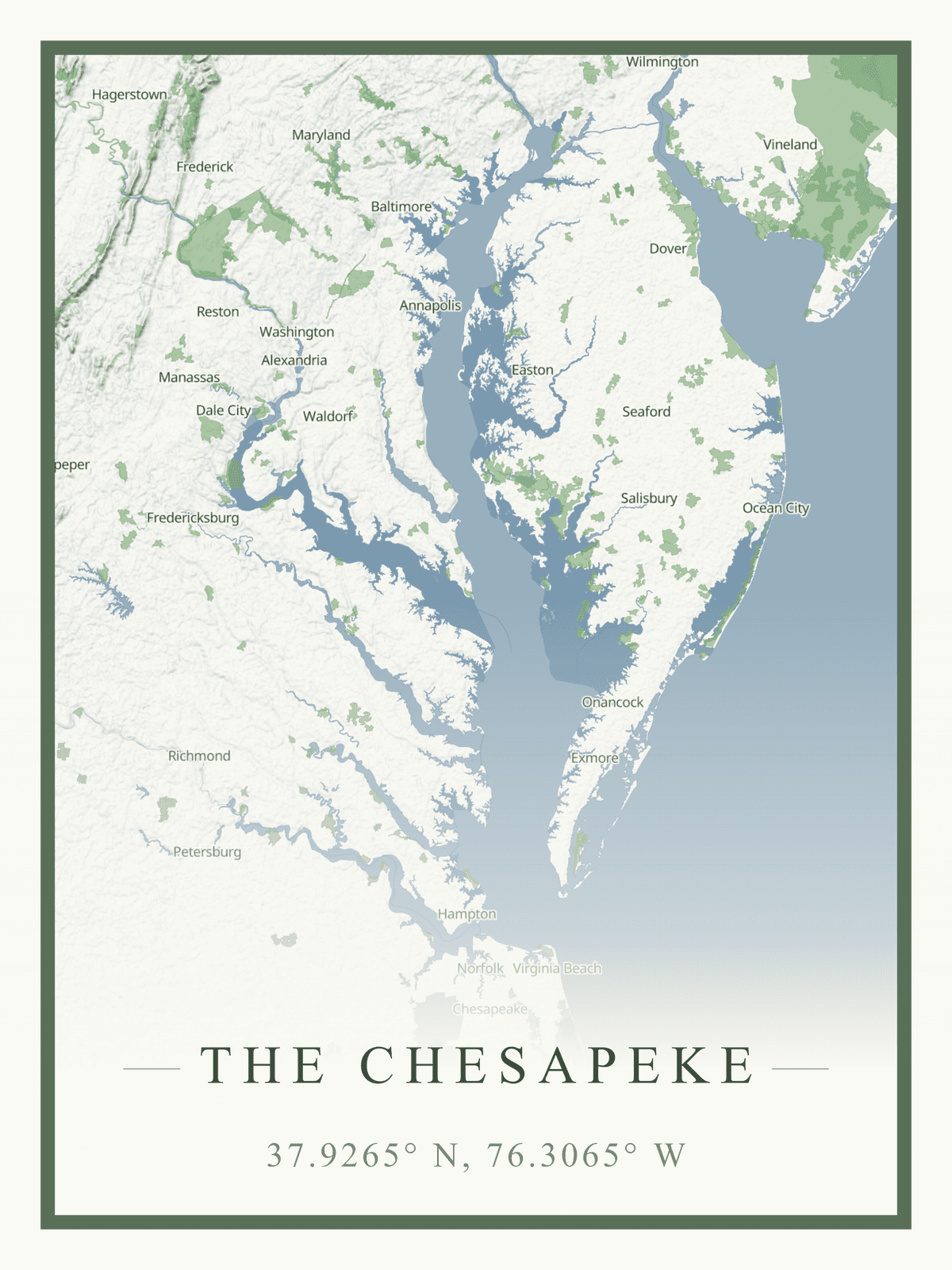
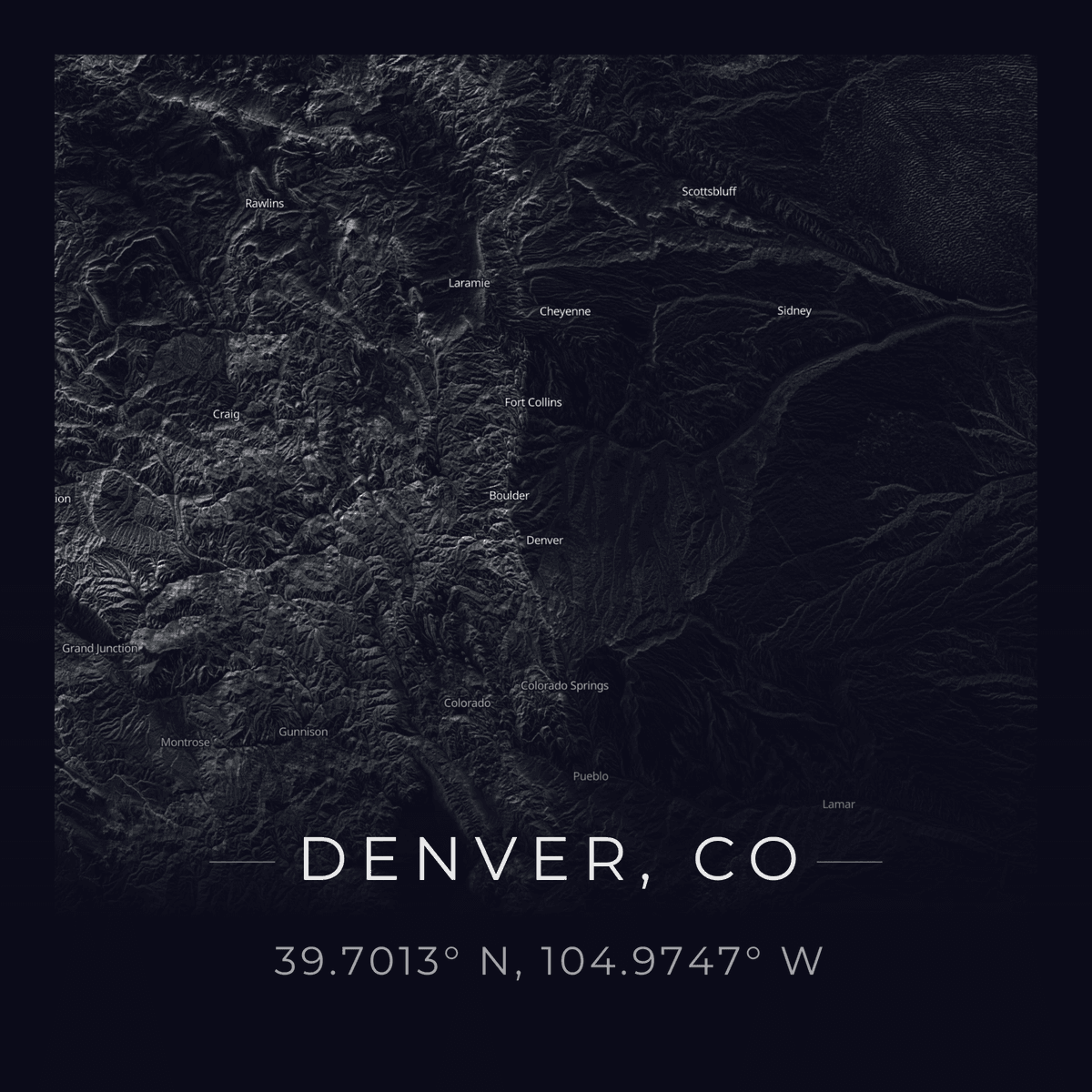
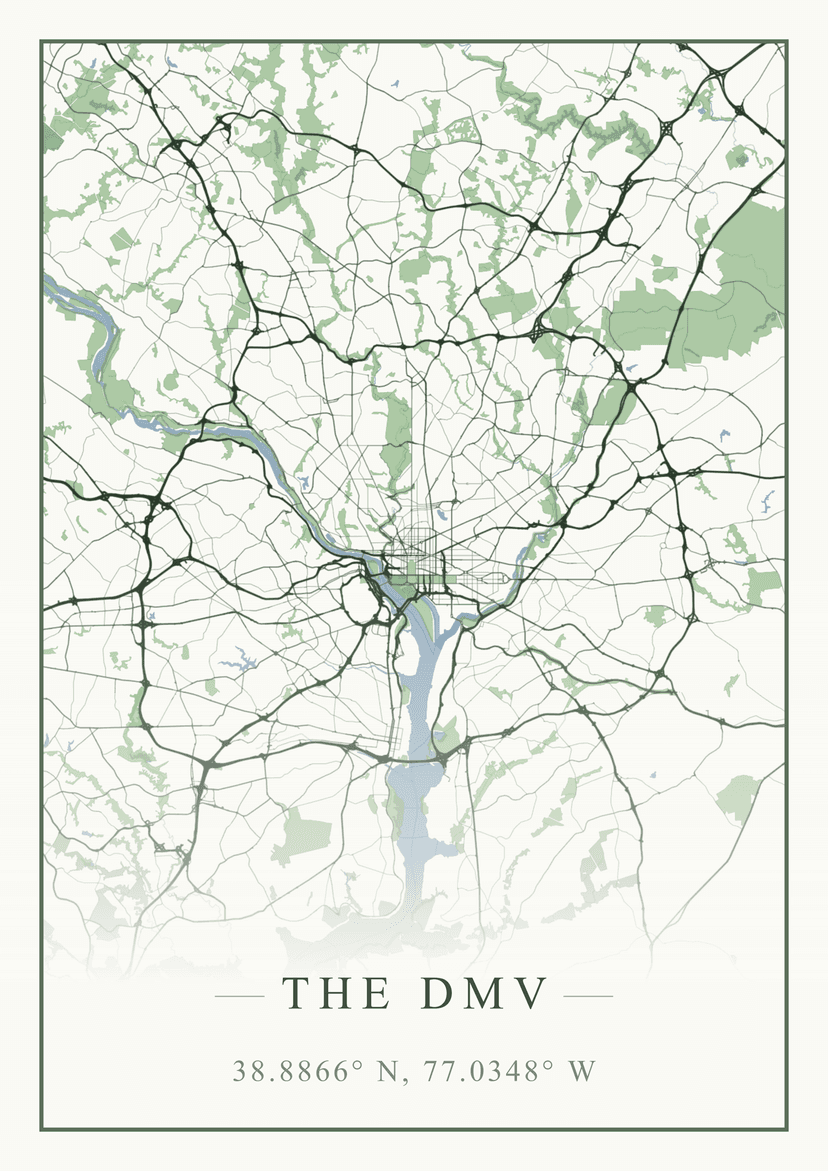
Carto-Art ships with 10 artistic styles and 80+ hand-crafted color palettes. The styles include:
- Minimal Line Art & Dark Mode/Noir — the original two styles
- Blueprint/Technical, Vintage, Watercolor — design classics
- Abstract, Atmospheric, Organic, Midnight, Retro — expanded creative range
Each style includes recommended font pairings and layer configurations, but users retain full control through dynamic color swapping. Real-time adjustments propagate instantly without map reloads, enabling rapid iteration on compositions.
Developer API & SDK
Carto-Art exposes a RESTful API (v1) with authenticated endpoints for posters, styles, maps, users, and comments — enabling programmatic map generation and community data access. The official TypeScript SDK (@kkingsbe/cartoart) wraps these endpoints in a typed client with virtual user support for server-side rendering scenarios.
An OpenAPI specification is available at /api/v1/openapi.json, and an MCP server endpoint allows AI assistants to query the platform's data directly.
Admin Dashboard & Analytics
Behind the scenes, a comprehensive admin dashboard provides tools for managing users, feature flags, challenges, changelog entries, and user feedback. The analytics system tracks page views, export events, and entity views with hourly/daily rollups. Key metrics include activation rate, week-1 retention, time-to-first-export, gallery publish rate, and export quality ratings — all visualized in the admin panel.
Results
What started as a weekend project has grown into a full SaaS platform: 3D terrain visualization, high-resolution and animated exports, a developer API, celestial overlays, community challenges, and a social layer for sharing and remixing designs. The architecture balances ambition with pragmatism — 3D terrain enhances interactive exploration while gracefully falling back for high-resolution exports, and the subscription model keeps the platform sustainable without tying it to physical fulfillment. Try it at cartoart.net.